
Download Nomad .NET – File Explorer, Dual Panels, FTP, Customization
Overview
Nomad .NET is a feature-rich file explorer designed to streamline file management across multiple directories. Its primary purpose is to simplify complex file operations through intuitive tools and customizable workflows. The app addresses common challenges such as inefficient file transfers, disorganized directory structures, and the need for seamless remote access.
It is particularly suited for power users, developers, and professionals who manage large volumes of digital content across local and remote systems. While the developer did not provide additional background information, the app’s longevity since its release in 2009 suggests a stable and enduring presence in the file management ecosystem. Real-world use cases include synchronizing project folders, organizing media libraries, and transferring files via FTP to web servers.
The app’s ability to compare directories and support dual-panel navigation positions it as a specialized tool within the productivity category. Despite its age, Nomad .NET remains relevant due to its robust feature set and focus on efficiency. Its integration of advanced tools like remote server access and customizable views reflects a commitment to user control and workflow optimization.
In the broader mobile app landscape, it stands out as a niche utility for users seeking deeper file system interaction than standard file managers offer.
Key Features & Functionality
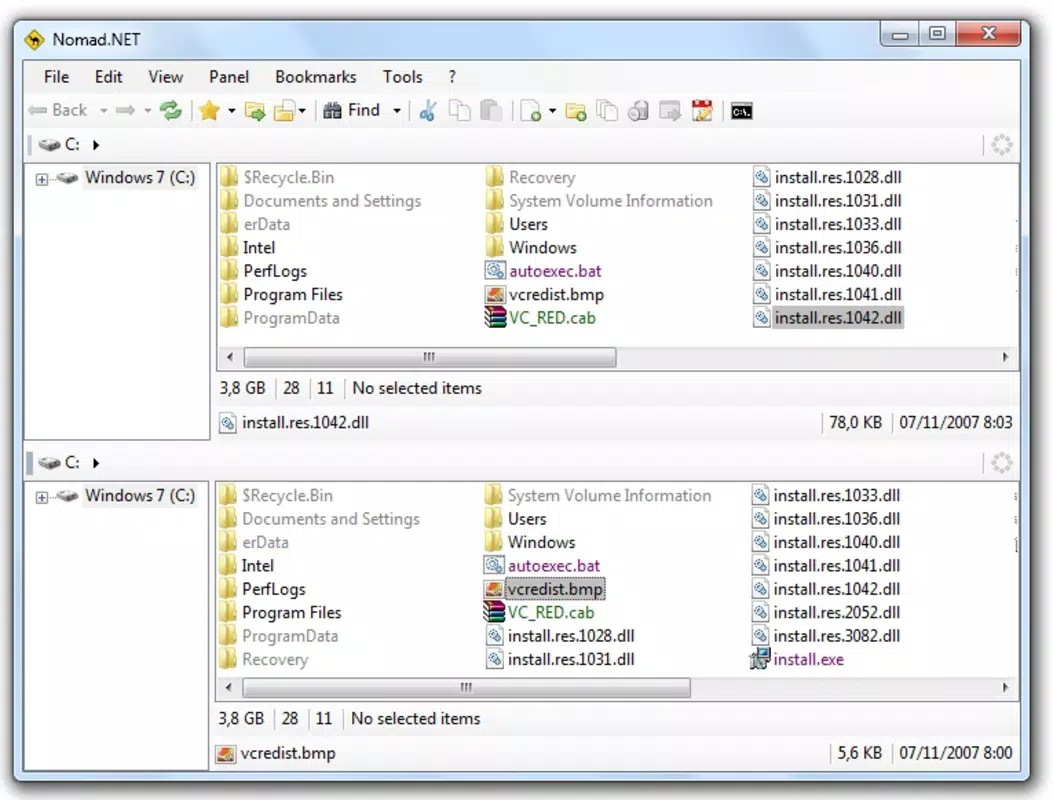
- Dual Navigation Panels: The interface features two side-by-side panels that allow users to browse and manage files from two directories simultaneously. This design enables efficient copying, moving, and comparing of files across locations without constant navigation. For example, a developer can copy source files from one project folder to another while keeping both directories visible.
- Five File View Modes: Users can switch between multiple display formats—such as detailed lists, icon grids, and compact views—to suit their workflow. This flexibility enhances usability across different tasks, whether reviewing file metadata or quickly locating images in a large folder.
- Directory Comparison Tool: This feature identifies differences between two selected folders, highlighting missing, modified, or duplicated files. It is especially useful for maintaining synchronized backups or ensuring consistency between development and production environments.
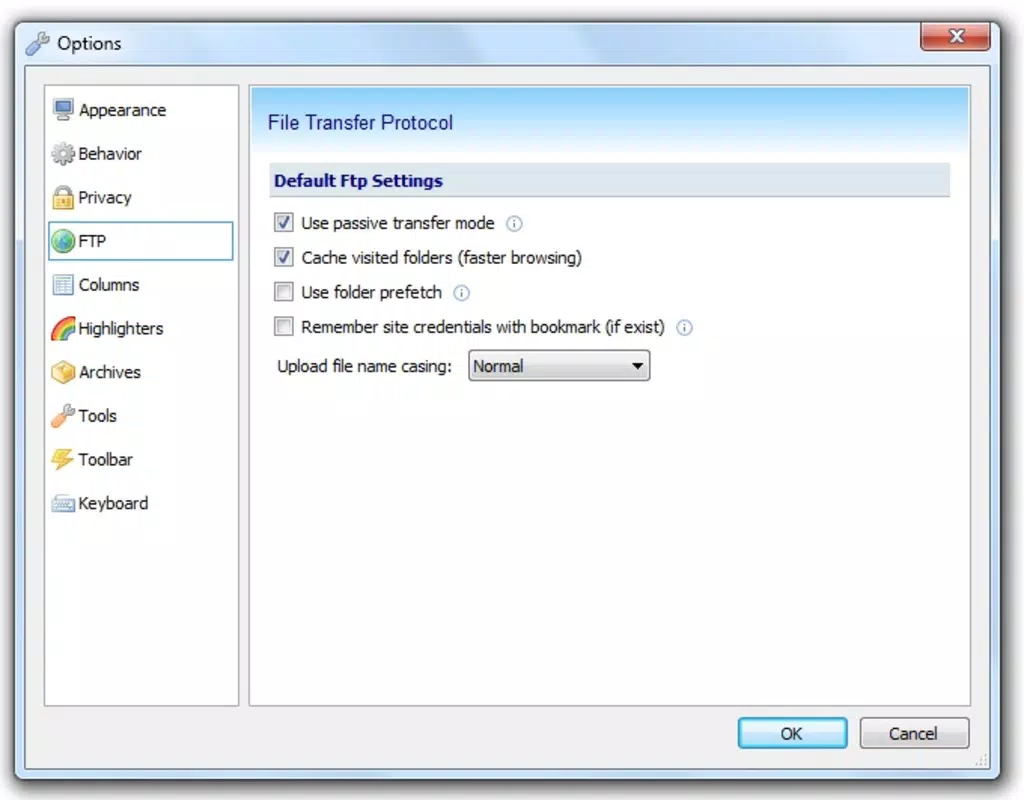
- FTP Connection Support: Nomad .NET allows direct connection to remote servers using FTP protocols. This functionality enables users to upload, download, and manage files on web hosting platforms or private servers without requiring additional software.
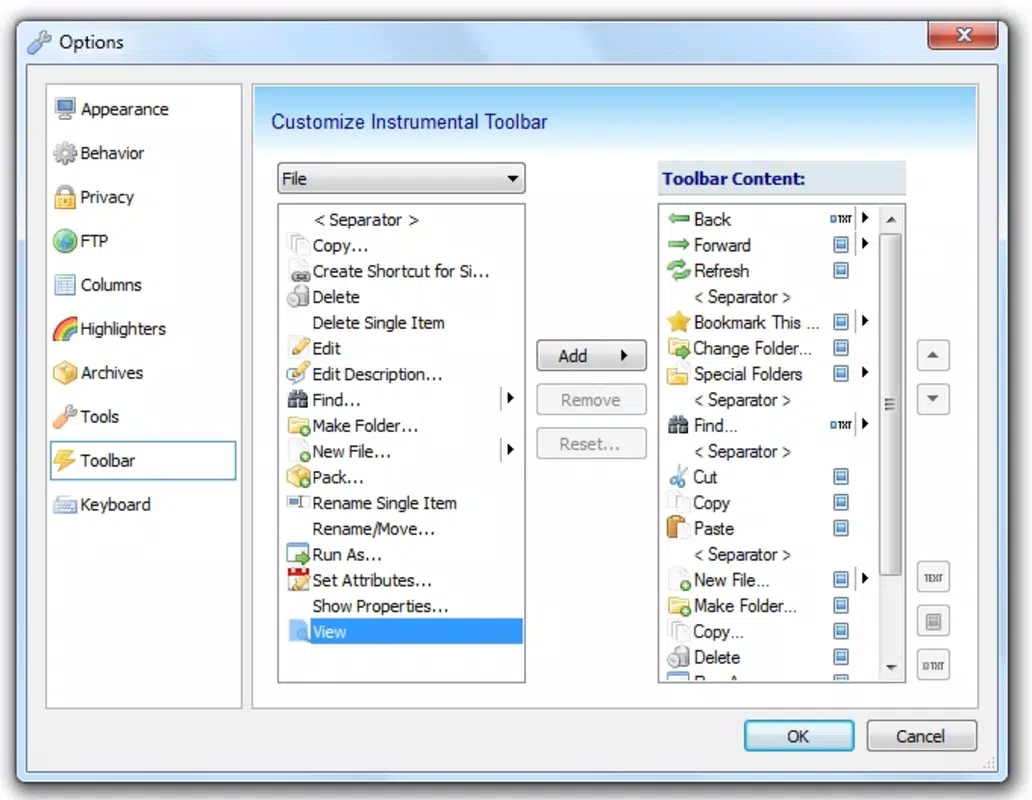
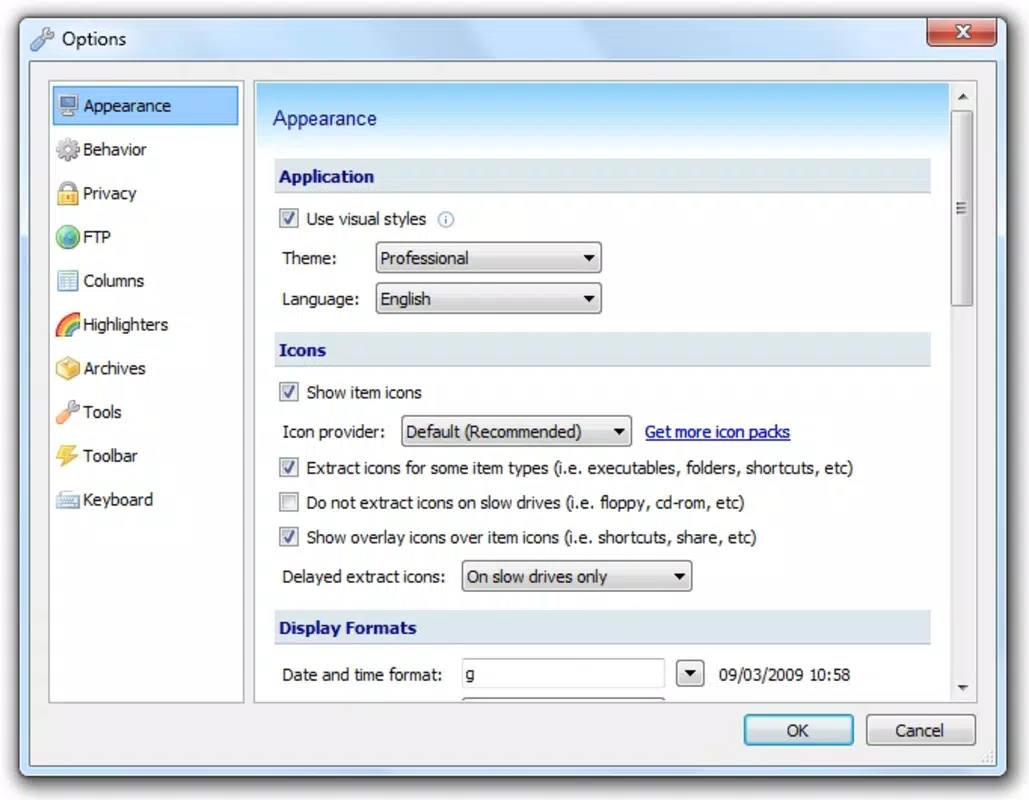
- Extensive Customization Options: The app offers a range of personalization settings, including interface layout, shortcut keys, and feature toggles. Users can adapt the app to match their preferred workflow, improving long-term efficiency and reducing repetitive actions.
Each feature is designed to reduce manual effort and increase precision in file management. The combination of dual panels and comparison tools, for instance, significantly reduces the risk of errors during bulk file operations. Similarly, built-in FTP access eliminates the need for third-party tools, streamlining remote file handling.
Interface, UX & Performance
Nomad .NET presents a clean, structured interface with clearly defined navigation zones. The dual-panel layout ensures that both directories are easily accessible, minimizing the need for back-and-forth navigation. Visual cues such as color-coded file types and hierarchical folder trees improve readability and reduce cognitive load.
The app uses a consistent layout that supports logical workflows, making it easier for users to perform repetitive tasks with minimal friction. Although the developer did not list formal performance metrics, the app’s long-standing presence suggests a stable and responsive operation. It is designed to function efficiently on a variety of device categories, including smartphones and tablets, though specific performance benchmarks were not disclosed.
Responsiveness appears to be maintained through optimized rendering and background processing. Stability is implied by the app’s continued availability and updates over more than a decade. The user experience is enhanced by intuitive gestures and accessible menus, allowing both new and experienced users to adapt quickly.
While no information was provided about battery usage or memory consumption, the app’s design prioritizes usability over resource-intensive visuals.
Platform Compatibility & Technical Requirements
Nomad .NET is available for Android and iOS platforms. The latest software version is 2009-03-09, indicating the app has not been updated since its initial release. The file size is not specified, and the developer did not list formal minimum OS requirements.
Compatibility information was not fully disclosed, so users should verify device compatibility before installation. The app’s age raises questions about modern OS integration, particularly regarding security updates and API access. However, its continued availability suggests it may still function on older devices or through compatibility layers.
Users should exercise caution when installing legacy software and ensure their system environment supports older applications.
Pros and Cons
- Powerful dual navigation for efficient file management
- Advanced directory comparison for synchronization tasks
- Support for FTP connections to remote servers
- Multiple file view modes for personalized browsing
- High degree of interface customization
- App has not been updated since 2009
- Limited information on system requirements and file size
- Potential compatibility issues with modern operating systems
- No official support or documentation provided
- May lack security updates for current platforms
FAQ
Is Nomad .NET safe to install on modern devices?
The app has not been updated since 2009, so it may not meet current security standards. Users should assess risks before installation, especially on devices with sensitive data.
Can I use Nomad .NET for FTP file transfers?
Yes, the app supports FTP connections, allowing users to upload, download, and manage files on remote servers directly from the interface.
Does Nomad .NET support iOS and Android?
Yes, the app is available for both Android and iOS platforms, though compatibility with newer OS versions is not guaranteed.
Are there regular updates for Nomad .NET?
No updates have been released since the app’s initial launch in 2009. Users should expect no future updates or bug fixes.
Can I customize the interface in Nomad .NET?
Yes, the app offers extensive customization options, including layout adjustments, view modes, and feature toggles to tailor the experience to individual workflows.
Final Thoughts
Nomad .NET remains a notable tool for users who require advanced file management capabilities beyond standard mobile file explorers. Its dual-panel design, directory comparison, and FTP support offer powerful functionality that is still relevant today. While its lack of updates and unclear compatibility with modern systems present risks, it may still serve users on older devices or those who prioritize specific features over current security standards.
The app is best suited for power users, developers, and IT professionals managing complex file workflows. Its value lies in its efficiency, customization, and ability to handle remote file operations in a single interface. For those seeking a lightweight, feature-packed file manager with a unique approach, Nomad .NET offers a compelling solution.
Download Nomad .NET now.


